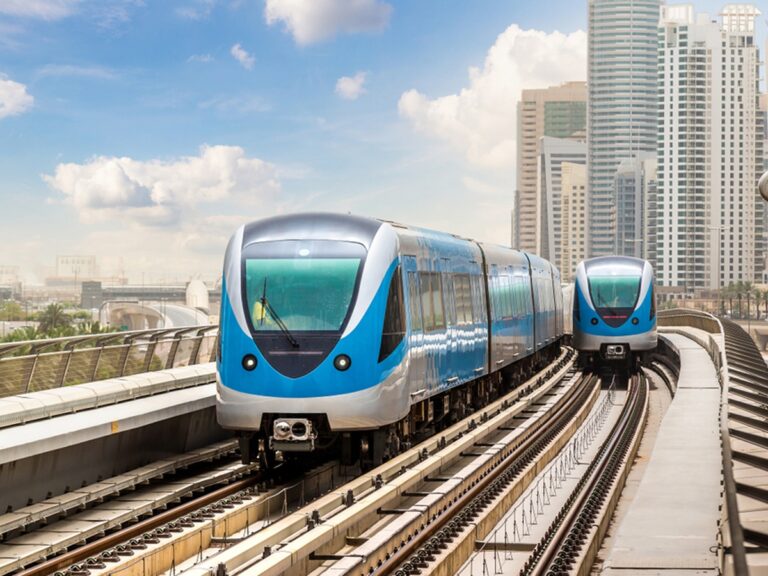
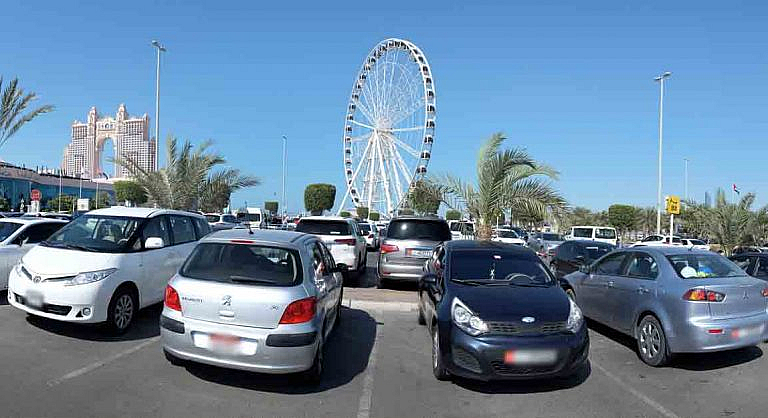
How to Pay for Parking in Dubai with an Abu Dhabi Plate?

How to Pay for Parking in Dubai with an Abu Dhabi Plate is simple once you know the approved payment methods. Drivers can pay via SMS by sending the zone number, plate category, and duration to Dubai’s parking number, or by using the official parking section in the RTA mobile app for quick digital payment. You can also use parking meters in many areas by entering your Abu Dhabi plate details and selecting the required time.
Visiting Dubai with an Abu Dhabi-registered car is completely routine for thousands of UAE residents — but figuring out how to pay for parking in Dubai as an outsider can feel confusing the first time. Do you need to register? What format do you use for the SMS? Can you use your Mawaqif account? The answer to all three is: it’s simpler than you think, but the details matter.
This guide covers every payment method available, the updated Dubai parking zone rates (including new peak-hour pricing from April), the exact SMS format for Abu Dhabi plates, and how to avoid the most common mistakes that lead to fines.
What You Need Before You Park in Dubai with an Abu Dhabi Plate
Before anything else, make sure you have:
- Your vehicle’s plate number and category code (e.g., plate number 12345, category 6 — this is printed on your registration card)
- Your mobile number linked to a UAE SIM (Etisalat/du — prepaid or postpaid both work)
- The parking zone code — displayed on blue and orange signboards near your parking spot
- The RTA Dubai app (optional but highly recommended)
You do not need to register with RTA’s mParking system to use SMS parking as an Abu Dhabi plate holder — you can pay directly. However, registering your vehicle in the RTA system unlocks extra features like session management and multi-vehicle control.
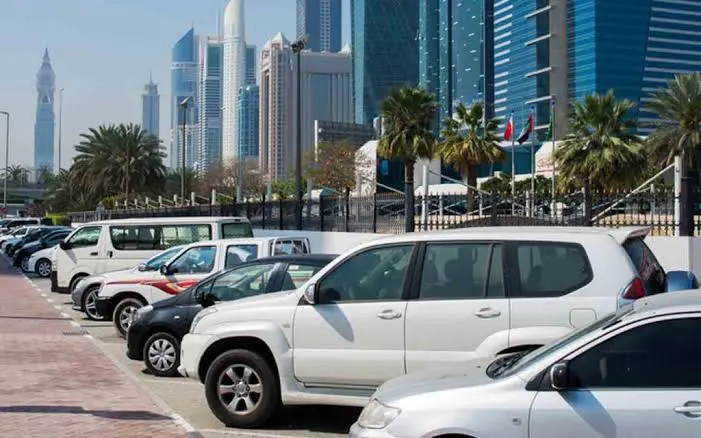
How to Pay for Parking in Dubai with an Abu Dhabi Plate also requires checking the parking zone signs carefully, as fees and timings vary by location. Always confirm your payment message or app confirmation to avoid fines, and consider setting reminders to renew your parking session if you plan to stay longer. This ensures legal parking and a smooth driving experience across Dubai.
Method 1: SMS Parking (mParking) — The Quickest Option
This is the most widely used method for Abu Dhabi plate drivers visiting Dubai and requires no app or internet connection.
Step-by-Step: How to Pay Dubai Parking by SMS with Abu Dhabi Plate
- Park your car in a designated paid parking zone
- Find the zone code on the nearby signboard (e.g., 335A, 123B)
- Open your phone’s messaging app and create a new SMS
- Use this format:
[Emirate Code][Plate Category] [Plate Number] [Zone Code] [Duration in hours]
For Abu Dhabi plates, the format looks like this:
AUH6 12345 335A 1
- AUH = Abu Dhabi emirate code
- 6 = your plate category (the number before your plate number on your registration card)
- 12345 = your plate number
- 335A = the parking zone code (from signboard)
- 1 = number of hours you want to park
- Send the SMS to 7275 (spell out “PARK”)
- You’ll receive a confirmation SMS within 15 seconds with your start/end times
- A reminder SMS is sent 10 minutes before your session expires
- To extend, reply “Y” to 7275
Cost note: A service charge of AED 0.30 is added per SMS by your telecom operator on top of the parking fee. This applies even if the format is wrong, so double-check before sending.
Abu Dhabi Plate Category Codes (Quick Reference)
| Category Code | Plate Type |
|---|---|
| 1–9 | Standard private vehicles |
| A, B, C… | Some older or category-designated plates |
Check your grey registration card (Mulkiya) — the number or letter before your plate number on the document is your category code. When composing the SMS, combine AUH + category code with no space, then a space before the plate number.
Example SMS: AUH13 5678 123A 1 — this parks an Abu Dhabi vehicle (category 13, plate 5678) in zone 123A for 1 hour.
Method 2: RTA Dubai App — Best for Regular Dubai Visitors
The RTA Dubai app (available on iOS and Android) is the most feature-rich option and supports Abu Dhabi plates directly.
How to Use the RTA App for Abu Dhabi Plates
- Download the RTA Dubai app
- Go to Services → Parking → Pay Public Parking Fees
- On the plate entry screen, tap the emirate selector — change from “Dubai” to “Abu Dhabi”
- Enter your full plate number
- Select the zone code and your desired duration
- Confirm and pay — you’ll receive an in-app confirmation immediately
The app also allows you to:
- Set automatic reminders before your session expires
- Extend your parking remotely without returning to your car
- View your parking history and receipts
Method 3: WhatsApp Parking — Dubai’s Digital Shortcut
Dubai’s RTA has introduced WhatsApp-based parking payments — a convenient alternative to SMS that avoids the AED 0.30 telecom charge.
How to Pay Dubai Parking via WhatsApp with Abu Dhabi Plate
- Open WhatsApp and send a message to RTA’s Mahboub chatbot: +971 58 800 9090
- Use the same format as the SMS method:
AUH6 12345 335A 1 - Follow the chatbot prompts to confirm and pay
- You’ll receive a confirmation message in WhatsApp
Method 4: Parkin App — For Parkin-Managed Zones
Parkin PJSC manages a large portion of Dubai’s public parking. The Parkin app is increasingly relevant, especially in premium zones and areas where Parkin has introduced variable pricing. It works for all UAE-registered vehicles, including Abu Dhabi plates.
Download the Parkin app, select your zone, enter your Abu Dhabi plate details (with emirate designation), and pay through the app. Parkin also integrated with Salik accounts, allowing automatic payment linked to your Salik balance at select locations — expanding across Dubai.
Method 5: Parking Meters (Physical Payment)
If you prefer paying in person, Dubai’s parking meters accept:
- Coins (1 and 5 AED)
- Credit/debit cards at newer machines
- Nol cards (RTA transit card)
Enter your full plate number at the meter, select the duration, and pay. A receipt will be generated — you do not need to display it on your dashboard; the system logs your plate number digitally.
Dubai Parking Zone Rates
Dubai introduced a major variable pricing overhaul in April, replacing the old flat-rate system with peak and off-peak pricing. Here’s what Abu Dhabi plate drivers need to know:
Peak Hours (Higher Rates Apply)
Monday to Saturday: 8:00 AM – 10:00 AM and 4:00 PM – 8:00 PM
Zone Rates
| Zone | Key Areas | Off-Peak Rate | Peak Rate | Max Daily |
|---|---|---|---|---|
| A / AP | Dubai Marina, JBR, Business Bay | AED 4/hr | AED 6/hr | AED 36 |
| B / BP | Barsha Heights, Al Quoz commercial | AED 3/hr | AED 6/hr | AED 30 |
| C | Al Karama, Bur Dubai | AED 2/hr | AED 2/hr | AED 16 |
| D | Al Qusais, Al Nahda | AED 2/hr | AED 2/hr | AED 10 (24hr) |
| W / WP | Al Karama, Dubai Maritime City | AED 4/hr | AED 6/hr | Varies |
| F | Tecom, Dubai Media City | AED 4/hr (raised Feb) | AED 6/hr | Varies |
| G | Downtown Dubai, Burj Khalifa | AED 4/hr | AED 6/hr | Varies |
| Multi-Storey | Various | AED 5/hr | AED 5/hr | Flat |
Note: Zone codes have been updated — A, B, C, D are now also labeled AP, BP, CP, DP in some areas to distinguish standard vs. premium. The zone code on the signboard is what you enter in your SMS or app.
When Is Dubai Parking Free?
- Sundays — paid parking is generally free across most public zones
- Public holidays — free across most zones (check local signage)
- After 10:00 PM — most zones are free until 8:00 AM
- Ramadan: Free parking between 6:00 PM and 8:00 PM (Iftar period) in many areas
Common Mistakes Abu Dhabi Plate Drivers Make in Dubai Parking
Getting the SMS format wrong is the most frequent issue. Here are the most common errors and how to avoid them:
Mistake 1: Forgetting the AUH prefix Sending 6 12345 335A 1 instead of AUH6 12345 335A 1 will either fail or register the wrong plate — leaving you unprotected from a fine.
Mistake 2: Getting the plate category wrong Your category is not the zone code — it’s the number on your Mulkiya (registration card) before your plate number. A category “6” plate would use AUH6, not AUH alone.
Mistake 3: Using the wrong zone code Zone codes are location-specific. A zone code from one block is not valid for the next street. Always check the blue and orange signboard closest to where you’ve parked.
Mistake 4: Parking in premium zones without accounting for peak pricing Many Abu Dhabi visitors park in areas like Dubai Marina or Downtown at 8:30 AM expecting a standard rate and are surprised by the AED 6/hr peak charge. Plan accordingly.
Mistake 5: Assuming Mawaqif or DARB apps work in Dubai Abu Dhabi’s Mawaqif and DARB apps are for Abu Dhabi parking only. Dubai uses RTA/Parkin systems. Do not try to use your Abu Dhabi parking apps for Dubai zones.
What Happens If You Don’t Pay for Parking in Dubai?
Dubai’s parking enforcement is rigorous — over 680,000 parking fines were issued in Q3 alone, according to the RTA. The parking fine for non-payment or overstaying in Dubai is:
AED 150 for most paid parking zones
Fines are issued by parking inspectors who check plates against the digital system in real time. Since your Abu Dhabi plate is visible and checked against the RTA database, you will receive the fine regardless of which emirate your vehicle is registered in. Fines can be checked and paid via the RTA website or Parkin app.
Monthly and Long-Term Parking Options for Abu Dhabi Visitors
If you work in Dubai and commute regularly, paying daily parking fees adds up quickly. Dubai offers seasonal (monthly) parking permits that are available to non-Dubai registered vehicles in certain zones.
Seasonal Parking Card Rates (Parkin):
- Roadside parking: AED 1,400 for 3 months / AED 2,500 for 6 months / AED 4,500 annually
- Multi-storey parking lots: AED 700 for 3 months / AED 1,300 for 6 months / AED 2,500 annually
Apply via the RTA website, the RTA Dubai app, or at Customer Happiness Centres in Umm Ramool, Al Twar, Al Kifaf, Al Manarah, or Al Barsha.
Free Parking Spots in Dubai (Near Popular Areas)
If you’d rather avoid paid zones altogether, these areas typically offer free public parking:
- Al Barsha (residential side streets) — free after 10 PM and on Sundays
- Deira (select areas near the creek) — free off-peak and after hours
- Al Quoz (industrial areas) — free on weekends
- Dubai Festival City Mall / Ibn Battuta Mall — free parking for shoppers
- Dubai Marina (some residential streets away from the waterfront) — free Sundays
Always verify by checking local signage as free zones change frequently with Dubai’s rolling parking updates.
Quick-Reference Summary for Abu Dhabi Plate Drivers in Dubai
| Method | How | Best For |
|---|---|---|
| SMS (mParking) | Text AUH[cat] [plate] [zone] [hrs] to 7275 | Fast one-off payment |
| RTA Dubai App | Select Abu Dhabi emirate, enter plate | Regular visitors |
| Message +971 58 800 9090 | Avoiding SMS fee | |
| Parkin App | Enter plate with Abu Dhabi designation | Premium/variable zones |
| Parking Meter | Coin/card at meter, enter plate | No smartphone needed |
Frequently Asked Questions
Can I use my Abu Dhabi Mawaqif account for Dubai parking?
No. Mawaqif is Abu Dhabi’s parking system and does not operate in Dubai. For Dubai, you must use the RTA/Parkin system via SMS (7275), the RTA app, WhatsApp, or a parking meter.
What is the SMS format for an Abu Dhabi plate in Dubai?
AUH[category] [plate number] [zone code] [hours] sent to 7275. Example: AUH6 12345 335A 2 for 2 hours in zone 335A.
How do I find my Abu Dhabi plate category code?
Check your vehicle registration card (Mulkiya). The number or letter before your actual plate number is your category. Combine it with AUH (no space) when composing the SMS.
Is parking free in Dubai on weekends with an Abu Dhabi plate?
Yes — Sundays are generally free for all vehicles in public paid zones. Most zones are also free on UAE public holidays. The same applies regardless of whether your plate is from Dubai or Abu Dhabi.
Can I extend my Dubai parking session remotely?
Yes. Reply “Y” to 7275 to extend by the same duration, or open the RTA app to adjust your session from anywhere.
What is the fine for not paying parking in Dubai?
AED 150 for standard paid zones. Fines apply to all UAE-registered vehicles regardless of emirate.
Do I need to display anything on my dashboard?
No. Dubai’s system is fully digital — your plate number is registered in the system and inspectors check digitally. No paper ticket or display is required.
Can I pay for more than 4 hours in one SMS?
Duration limits vary by zone. Many zones cap individual sessions at 4 hours. To stay longer, extend your session by replying “Y” or sending a new SMS after the first session expires.
Final Checklist: Parking in Dubai with Abu Dhabi Plate
- ✅ Note your plate category code from your Mulkiya before you go
- ✅ Save 7275 in your phone as “Dubai Parking SMS”
- ✅ Download the RTA Dubai app for convenience
- ✅ Check the blue/orange zone signboard for the zone code as soon as you park
- ✅ Send your SMS immediately — don’t wait until you return
- ✅ Check peak hours (8–10 AM and 4–8 PM) before parking in premium areas
- ✅ Remember: Sundays and public holidays are free in most zones
- ✅ Do NOT use Mawaqif, DARB, or uParking (Abu Dhabi apps) for Dubai zones
Last updated: February, Dubai’s parking system is actively evolving — always verify zone codes and current rates via the official RTA website (rta.ae), the Parkin app, or on-site signage before parking.